1Get the file from Discogs
In Discogs, export your collection as a CSV file and put it in iCloud Drive or on the device.
2Open the file in DAS MUSEUM
Choose “Import table” and the file. The app recognizes the Discogs template from columns such as “Catalog#”, “Artist” and “release_id”.
3Check the columns
The title becomes the title. Artist, label, format, catalog number and release ID are kept word for word under “More details”. The release year becomes the date, and the collection folder becomes your collection. “Date Added” ends up there too.
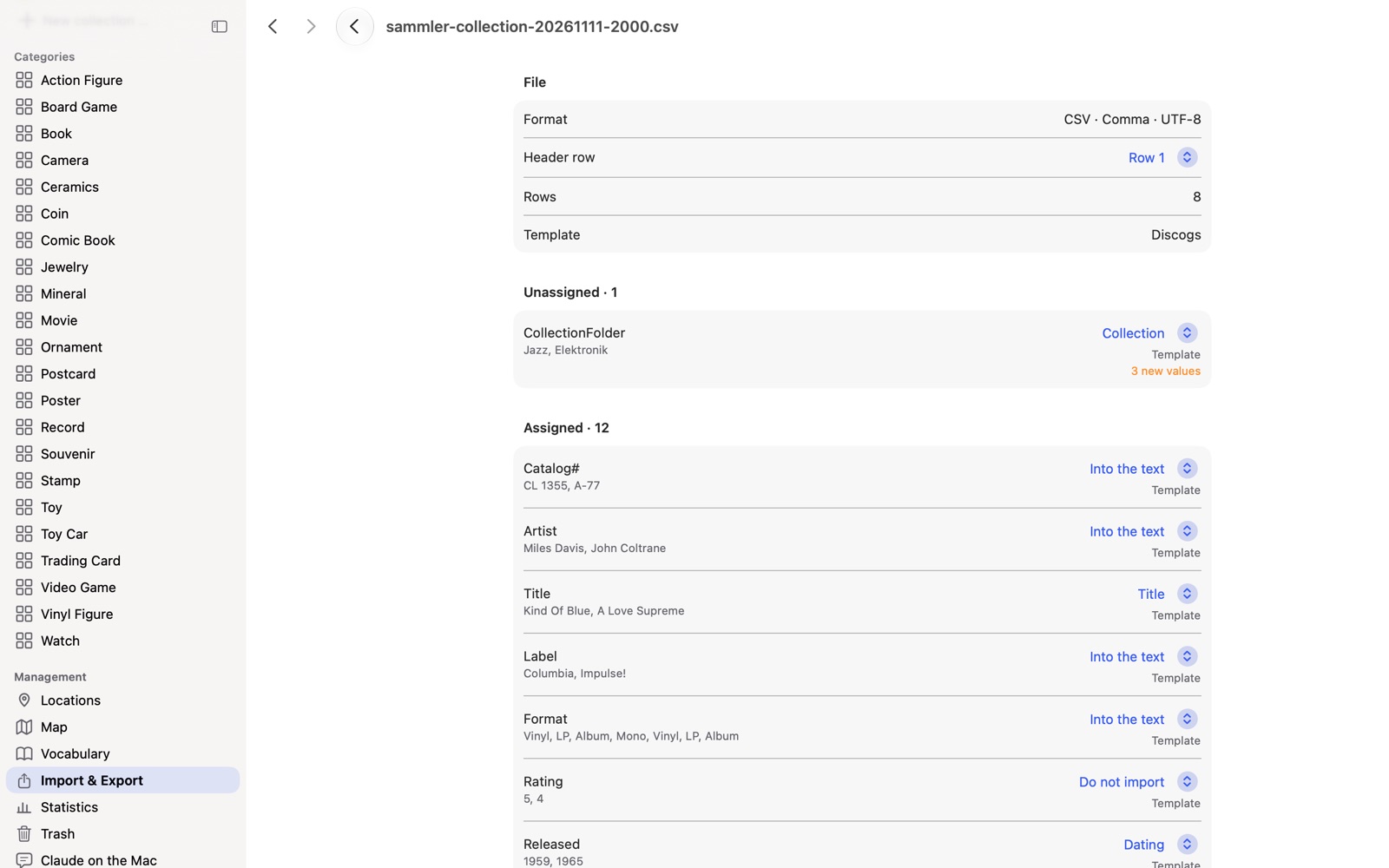
4Review the result and adopt it
The condition arrives as a grade. Both conditions are in the condition note (“Media: …; Sleeve: …”). “Collection Notes” become private notes.
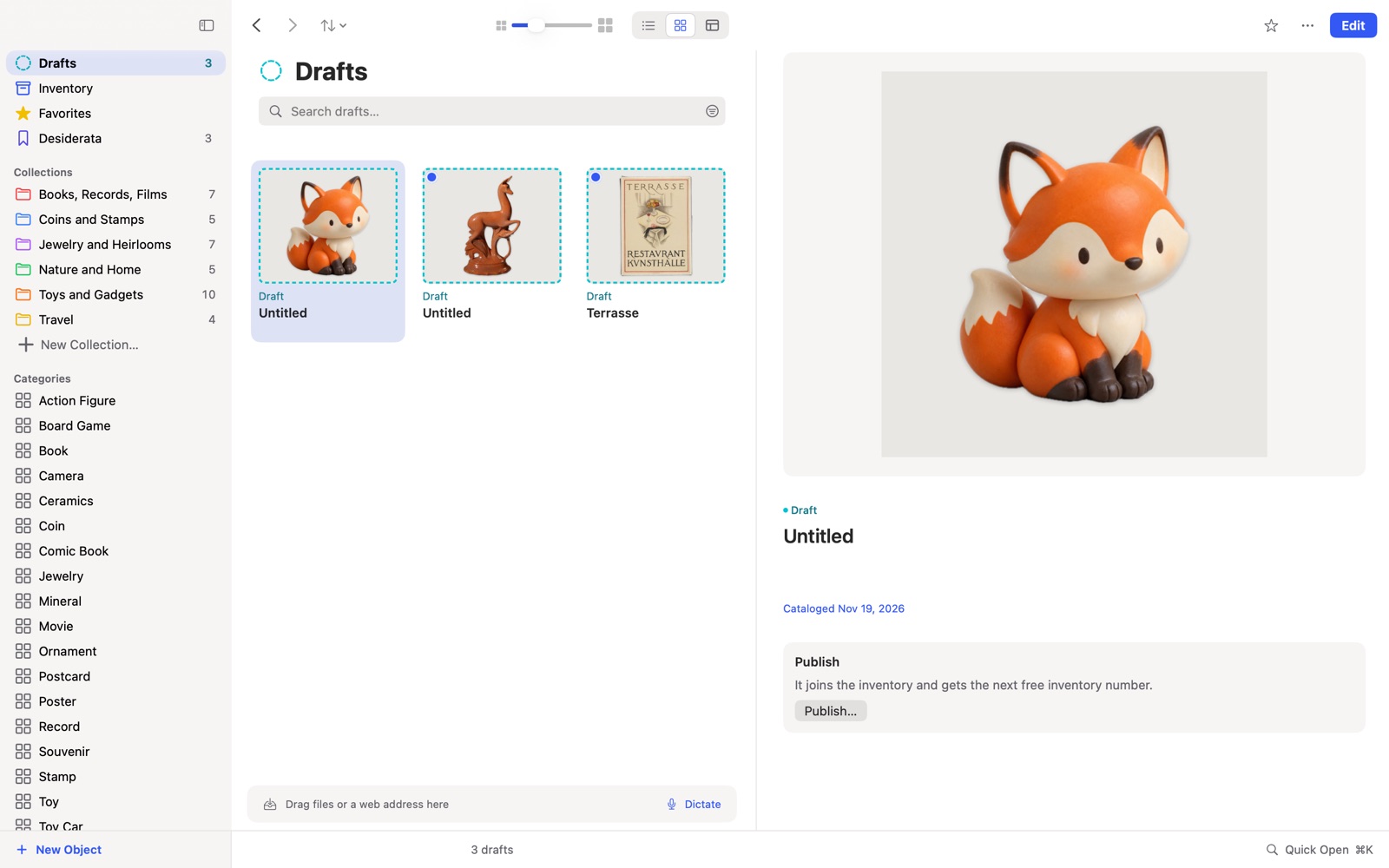
5Add the photos
The file contains no pictures. “Load images from the web” fetches them at the press of a button.
Frequently asked questions
What does not come along? Your Discogs rating has no field in DAS MUSEUM and drops out. The check counts it for you before you adopt anything.
Is my Discogs collection changed? No, you import a copy.
Do I need a Mac for this? No. You can open the file directly on your iPhone or iPad.
Related: All ways to switch, Excel or Numbers
Discogs is a trademark of its owner. DAS MUSEUM is not affiliated with this provider.