1Get the file from Libib
In Libib, export your library as a CSV file and save it on the device or in iCloud Drive.
2Open the file in DAS MUSEUM
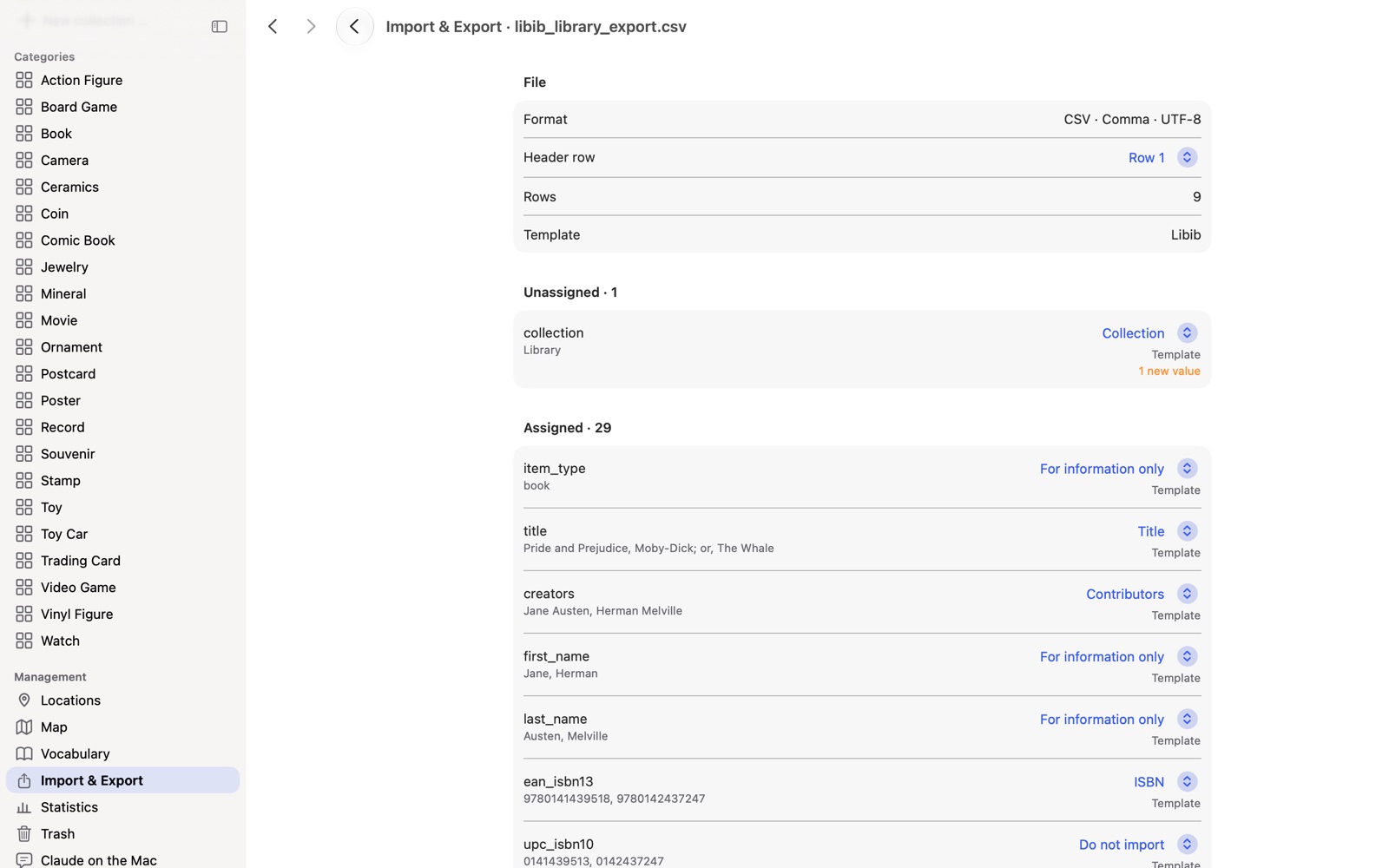
Choose “Import table” and tap the file. The Libib template is recognized from the header row.
3Check the columns
Books get their fields: creator, ISBN*, publisher, pages, rating, reading status. For movies, music and games, the details are kept word for word under “More details”. Tags, collection and acquisition details are matched.
4Review the result and adopt it
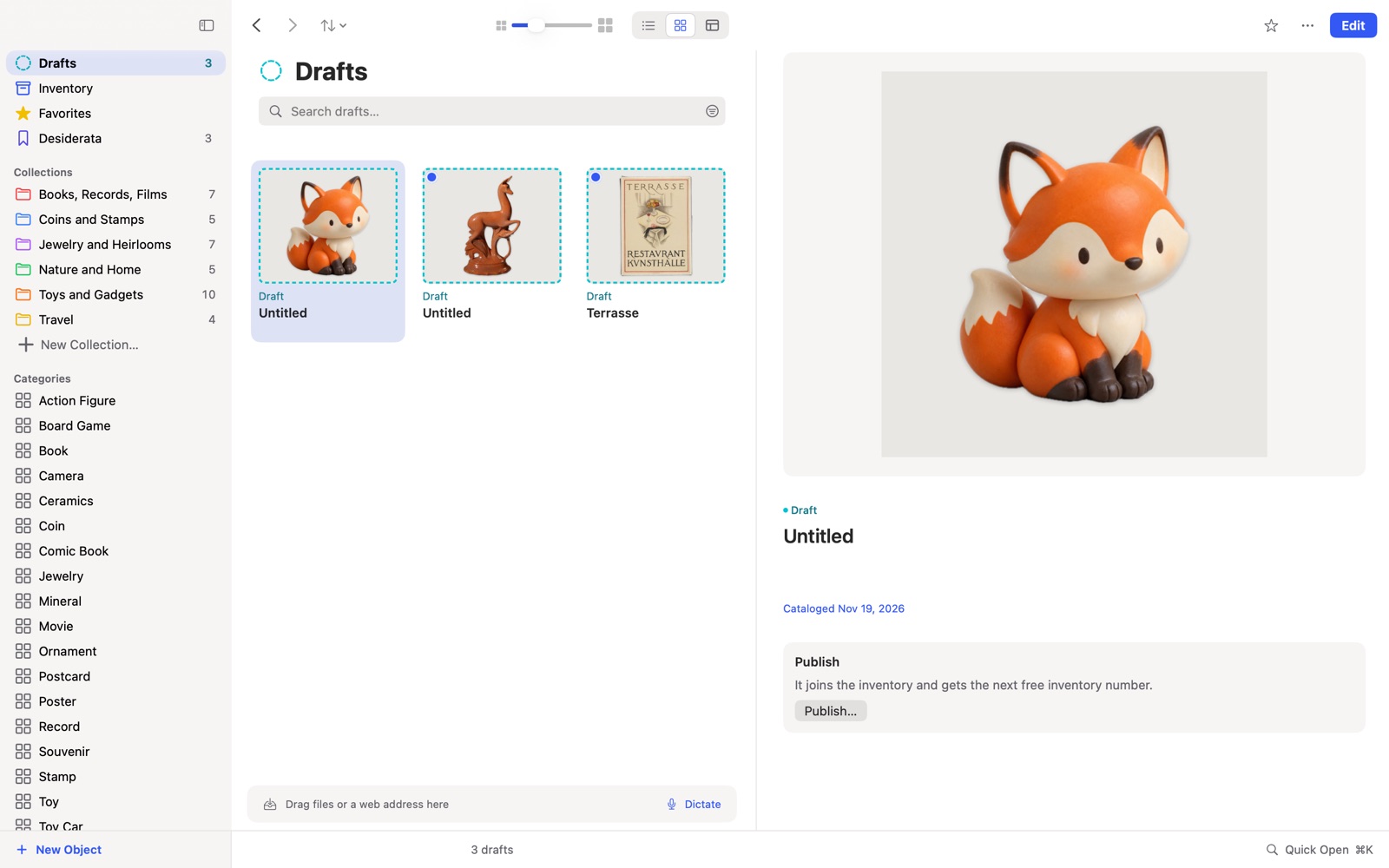
Every row becomes a draft. Only books get the Books package*, while movies, music and games stay ordinary objects.
5Add the photos
The file contains addresses, not pictures. “Load images from the web” fetches them if you like.
Frequently asked questions
Why are movies and music under “More details”? They have no fields of their own. Nothing is lost, and you can see the details word for word in the object’s file.
And half stars? They drop out and are counted in the check.
Is anything deleted in Libib? No. You work with a copy of the export file.
* ISBN and the Books package belong to the Books add-on package.
Related: All ways to switch, LibraryThing
Libib is a trademark of its owner. DAS MUSEUM is not affiliated with this provider.